
Customer support that keeps every request moving
Helpdesk Guru gives your team one shared queue for tickets, replies, internal notes and @mentions, on the web, iOS and Android. Built for any business that looks after customers.
- OH
Omar Haddad
Two-factor code not arriving
OpenReply needed#822 - MF
Maya Fernandez
Can't log in to my account
Open#816 - SR
Sofia Rossi
Order arrived damaged
Waiting on customerUrgent#820 - DO
Daniel Okafor
Invoice shows the wrong amount
Open#817
Everything a support team needs, in one place
Take a look at how a request moves from first message to resolved.
One queue for every customer request
Every ticket lands on a shared board with a status, a priority and an owner, so your team always knows what needs attention next.
- Filter by your tickets, unassigned, or anything waiting on a reply
- Set status, priority, assignee, department and tags
- Search across tickets to find any past conversation
- OH
Omar Haddad
Two-factor code not arriving
NewReply needed#822 - MF
Maya Fernandez
Can't log in to my account
NewReply needed#816 - SR
Sofia Rossi
Order arrived damaged
Waiting on customerUrgent#820 - DO
Daniel Okafor
Invoice shows the wrong amount
OpenReply needed#817 - PN
Priya Nair
How do I export my data?
Open#818
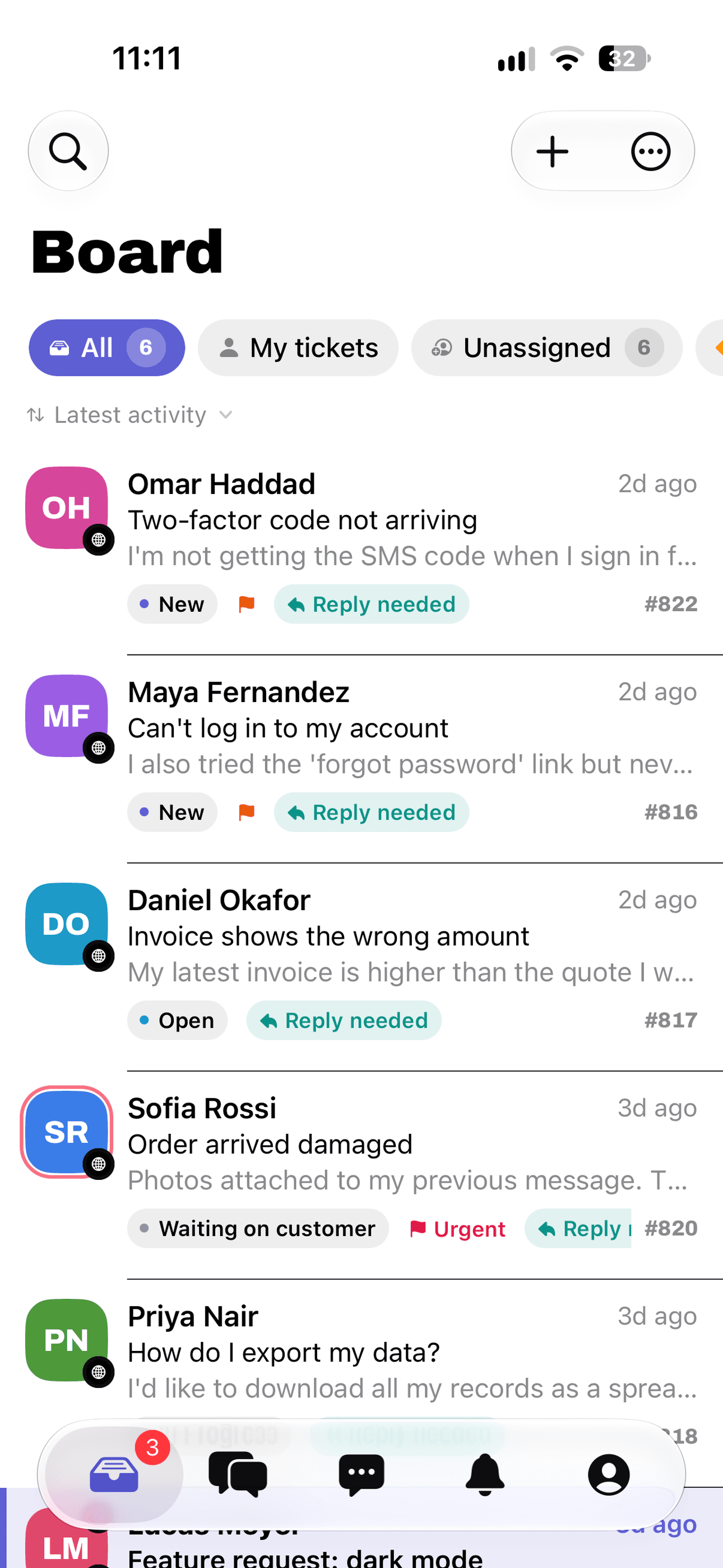
Your whole queue, in your pocket
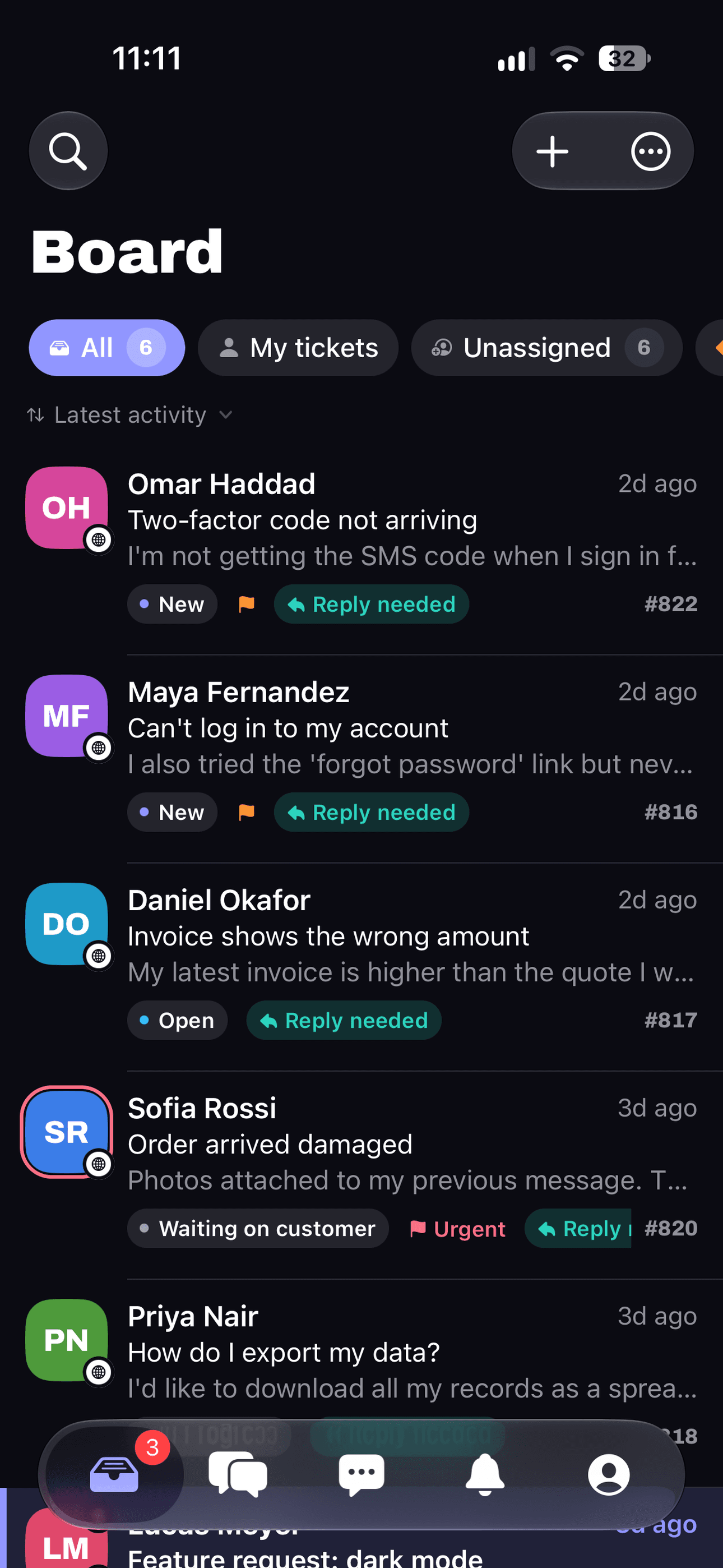
The Helpdesk Guru apps for iOS and Android show the same tickets you see on the web. Triage the board, reply, add a note and get push alerts wherever you are.
- Board with filters, ticket status and priority
- Reply, add internal notes and mention teammates
- Push notifications for tickets, replies and mentions
- Sign in with an email code, password, passkey or Face ID

Up and running in three steps
From first message to your team working tickets together.
- 1
Work email
jane@company.com
What can we help with?
Request access for my team
Send message
Contact us
Tell us about your team and what you handle. We set up your team's access.
- 2
You're invited
Helpdesk Guru, from your admin
JSDOPN3 teammates invited
Accept invitation
Get your invitation
An administrator invites each teammate by email, so every account belongs to a real person.
- 3
- SR
Order arrived damaged
Replied - MF
Can't log in to my account
New - DO
Invoice shows the wrong amount
Open
Start handling tickets
Sign in on the web, iOS or Android and work through your queue together.
- SR
Made for any team that looks after customers
If people send you requests and you owe them an answer, Helpdesk Guru keeps the whole conversation in one place.
Customer support desks
Handle questions and complaints from first message to resolution.
Sales and success teams
Keep replies to prospects and customers from slipping.
IT and internal service desks
Give employees one place to ask for help.
Small businesses and agencies
Share one inbox of requests across the whole team.
Pricing that fits your team
Every team is different, so we quote pricing for yours.
Helpdesk Guru for teams
Custom pricing
Tell us about your team and we will put together a quote that fits.
Everything is included
- Tickets in a shared queue for your whole team
- Replies with attachments and photos
- Internal notes and @mentions
- Email and push notifications
- Web, iOS and Android apps
- Invitation-based accounts for each teammate
Frequently asked questions
Any business or team that answers customer requests. Support desks, sales and success teams, and IT or internal service desks all work from the same ticket queue.
Contact us with a few details about your team. We set you up, and an administrator then invites each teammate by email, so every account belongs to a real person.
Not yet. Accounts are created by invitation, and there is no public self-service sign-up. If your team wants to use Helpdesk Guru, send us a message and we will get in touch.
Pricing is custom and depends on your team. There are no in-app purchases or subscriptions inside the apps. Contact us and we will put together a quote.
Yes. Helpdesk Guru has apps for iOS and Android, so you can reply, add notes and get notifications away from your desk.
Open the Check ticket status page, enter your ticket number and the email you used, and you will see its latest status and replies.
Use the Delete my account page linked in the footer, or email us from your account address. We confirm the request and complete it within 30 days.